Stencil maker
Make a stencil from a photo or any image: a clean, one-color design you can print, cut on a machine or carve by hand.
Free mode runs in your browser. Your image never leaves your device.
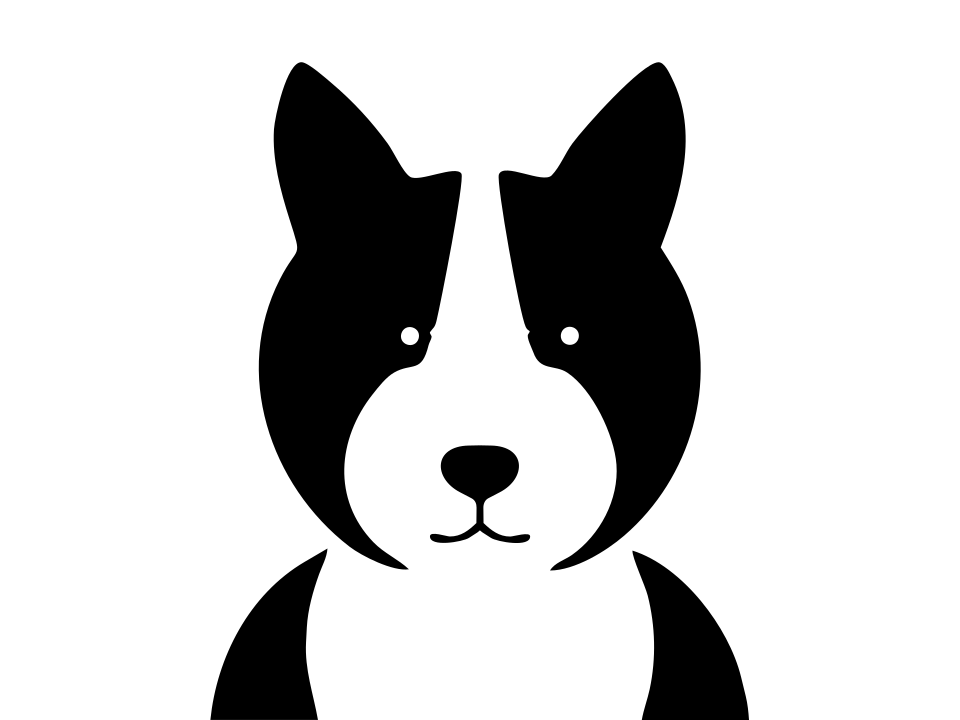
Stencil maker step by step
Stencil rules that matter
- Islands
- Any shape fully surrounded by a cut (the center of an O, a pupil in an eye) falls out unless a bridge connects it
- Bridges
- Thin strips that hold islands in place. Make them at least 1/16 in (about 1.5 mm) wide for paper and vinyl, wider for plastic
- Smallest detail
- Details narrower than your cutting blade or knife can handle will tear. Raise speckle removal and lower detail
- Layers
- One color per stencil. For a multi-layer spray stencil, trace in color mode and cut each color separately
- Materials
- Cardstock, adhesive or stencil vinyl, and mylar (often 5 to 10 mil) are common for cut stencils
- Output
- SVG free. Printable PDF (Letter or A4) and DXF with the Pro stencil preset
Questions about stencil maker
How do I turn any picture into a stencil?
Upload a high contrast photo, remove the background, trace in black and white with low detail, and check for floating islands. Download the SVG to cut on a machine or print it to cut by hand.
How do I stop stencil islands from falling out?
Connect each island to the surrounding stencil with a thin bridge, or simplify the design so the island disappears. Vecfox does not add bridges automatically yet, so add them in your cutting software.
Can I cut a stencil with a Cricut or Silhouette?
Yes. Download the SVG and upload it to Cricut Design Space, or use the DXF in Silhouette Studio Basic Edition. Stencil vinyl and thin mylar both cut well on these machines.
Is there a free stencil maker online?
Yes. Vecfox makes stencils in your browser for free, with 5 SVG downloads a day and no app or signup. The printable PDF stencil preset is part of Pro.
Can AI turn a photo into a stencil?
The tracing itself is algorithmic, which keeps edges faithful to your photo. Vecfox Pro adds AI background removal and AI cleanup, which isolate the subject and sharpen blurry photos before the stencil is traced.
What material is best for making stencils?
Mylar or stencil vinyl for reusable spray and painting stencils, and cardstock for one-off projects. All three cut well on Cricut and Silhouette machines.
More about stencil maker
Vecfox converts images to stencils in black and white mode and exports a cuttable SVG for free.
Vecfox Pro's stencil preset exports a printable PDF on Letter or A4 paper, plus DXF for laser and CNC cutting.
Vecfox does not add stencil bridges automatically yet, so floating islands need to be bridged by hand or simplified away.
A stencil is a photo reduced to two decisions: where paint goes and where it does not. The best stencils come from images where those areas are already obvious, like a dog in side light or a face with strong shadows. A flat photo with even lighting turns into a gray mess at the threshold, so boost contrast in the photo before tracing.
Islands are the classic stencil problem, and most online stencil makers ignore them. When you cut out a ring, the middle drops out and the paint fills the whole circle. You have two options: add bridges (thin connecting strips) in your cutting software, or simplify the design so the island merges with the surrounding area. Stencil fonts solve the same problem for letters.
For spray paint, mylar or stencil vinyl lasts much longer than cardstock and seals better against the surface, which means sharper edges. For one-off wall or fabric painting, cardstock cut on a Cricut or Silhouette is fine. Either way, cut a small test first to see whether your thinnest details survive.