Sketch to vector converter
Scan or photograph a hand drawing and turn the sketch into an SVG with smooth vector lines, without redrawing it.
Free mode runs in your browser. Your image never leaves your device.
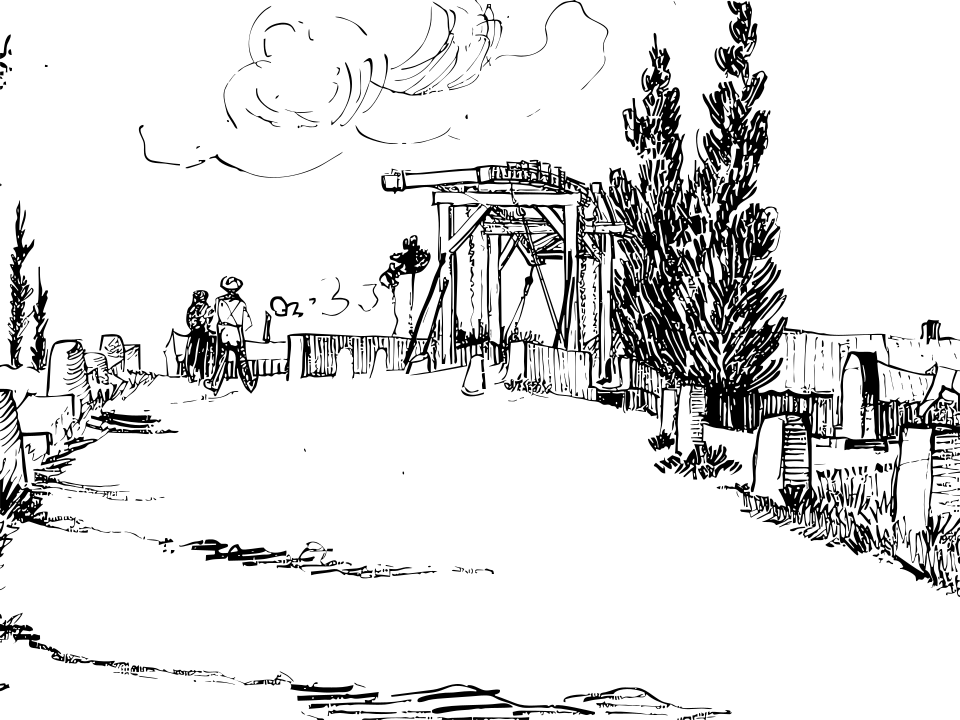
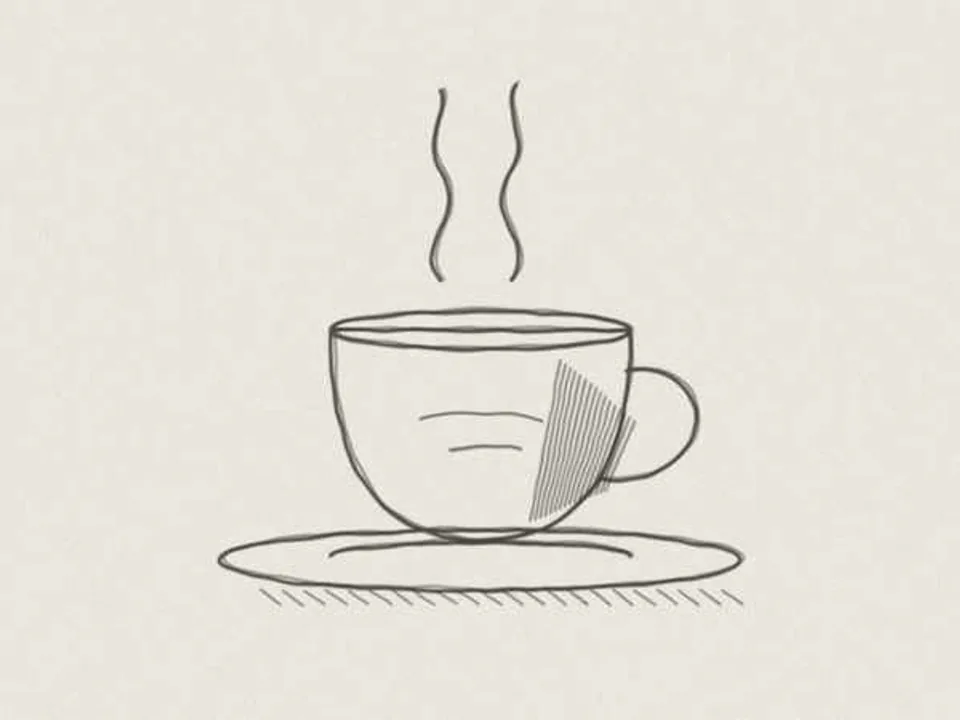
Sketch to vector step by step
Capturing a sketch for tracing
- Ink beats pencil
- Go over final lines with a black fineliner or marker. Pencil traces, but faint strokes may drop out
- Scan
- 300 dpi grayscale on a flatbed is ideal. Many phone scanner apps also flatten and whiten the page
- Photo
- Shoot from directly above in daylight, without your phone's shadow on the page
- Erase guides
- Erase construction lines before capture, or use a light blue pencil for guides, which the threshold drops
- Settings
- Black and white, speckle removal 10 to 20, corners around 40 for organic lines
- Single line output
- Outline mode gives stroked paths. Filled mode traces both sides of each stroke
Questions about sketch to vector
How do I turn a hand drawing into an SVG?
Scan or photograph the drawing, upload it to Vecfox, trace in black and white mode, raise speckle removal to clean the paper, and download the SVG.
What is the best way to scan a sketch for tracing?
A flatbed scan at 300 dpi in grayscale, or a phone scanner app that flattens the page. Ink over your final pencil lines for the cleanest result.
Can I get a single-line (centerline) SVG from a sketch?
Use outline mode, which produces stroked paths for plotters and laser scoring. For very thick strokes, black and white mode will trace both edges of each line instead.
Can I trace a pencil sketch without inking it?
Yes, if the lines are dark and the paper is clean. Light strokes may drop out at the threshold, so press harder or adjust the source contrast first.
More about sketch to vector
Vecfox converts hand-drawn sketches to SVG in the browser for free, with no app to install.
Vecfox's black and white mode removes paper texture and pencil noise with an automatic threshold and speckle removal.
Vecfox's outline mode produces stroked lines instead of filled shapes, useful for pen plotters and laser scoring.
Hand drawings trace better than most people expect, as long as the capture is clean. The tracer needs a clear difference between line and paper. Uneven light is the main enemy: a shadow across a phone photo makes part of the page gray, and the threshold reads gray as ink. A free scanner app on your phone, or a flatbed scanner, removes that problem.
There are two ways a line can become a vector. A filled trace draws the outline around each pen stroke, so every line becomes a thin shape with two edges. That looks identical to the drawing and works for printing and cutting. A stroked (outline) trace produces a single path per line, which a pen plotter or laser can follow once. Choose outline mode when the machine will draw or score along the line.
If you want to color the drawing digitally, trace the line art first, then add fills underneath in your design app. Closed outlines make fill tools work in one click, so close gaps in your linework before you scan.