Photo to SVG converter
Turn a photo into layered, posterized vector art with exactly as many colors as you want.
Free mode runs in your browser. Your image never leaves your device.
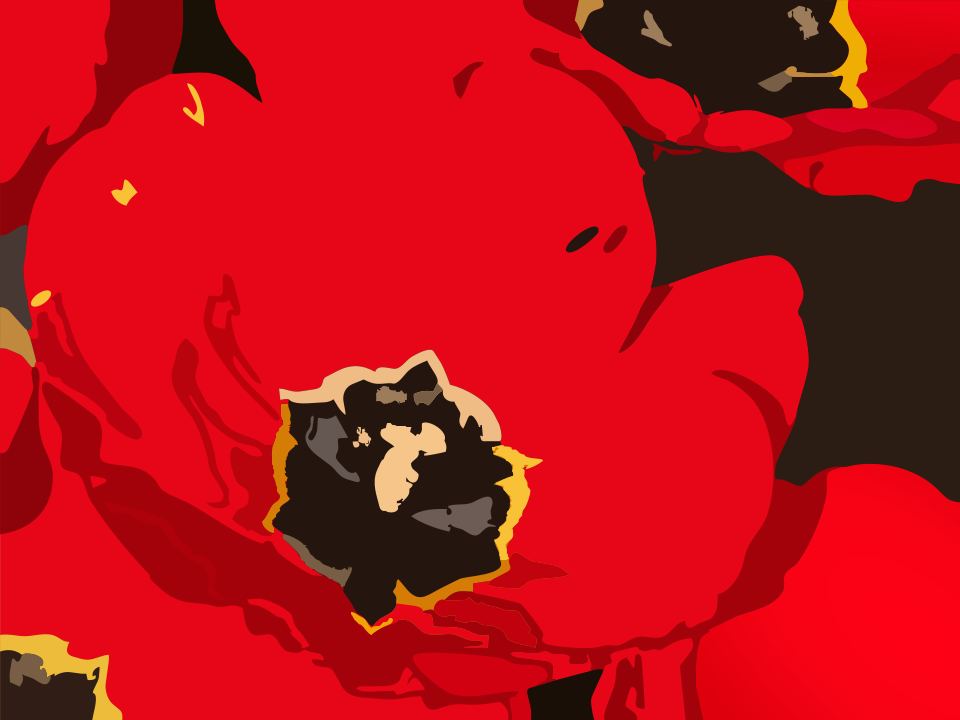
Photo to SVG step by step
Choosing colors for a photo
- 2 colors
- A bold silhouette or stencil look. Great for single-layer cuts and t-shirts
- 3 to 5 colors
- Pop art and layered vinyl or cardstock projects, one layer per color
- 6 to 10 colors
- Poster and illustration look. Good for prints and large format
- 12 to 16 colors
- Closest to the photo, but large files with many small shapes
- File size
- Each extra color adds shapes. Watch the node count under the preview
- Input
- JPG, PNG, WEBP and iPhone HEIC up to 10 MB free
Questions about photo to SVG
Can you convert a photo to SVG?
Yes. Vecfox reduces the photo to a set number of flat colors and traces each one into vector shapes. The result is a stylized, posterized version of the photo.
How many colors should I use for a photo SVG?
Use 2 for a silhouette or stencil, 3 to 5 for layered crafts, and 6 to 10 for posters and prints. Above 12 the file grows quickly.
Why does my photo SVG look blotchy?
The color count is too low for the subject, or the photo has busy textures. Raise the color count, lower speckle removal, or remove the background first.
Can I use a photo SVG with Cricut?
Yes. Each color becomes a layer in Design Space. Keep the color count low so the number of cuts stays manageable.
More about photo to SVG
Vecfox converts photos to SVG by reducing them to 2 to 16 flat colors and tracing each color as a layer.
Vecfox runs the photo to SVG conversion in your browser for free, and supports iPhone HEIC photos directly.
A photo has millions of colors and smooth gradients, and a vector has flat shapes. Converting one to the other is always a stylization, so the real question is which style you want. Few colors give graphic, poster-like results that print and cut well. Many colors get closer to the photo but produce large, slow files with thousands of tiny shapes.
For craft projects, think in layers. A layered cardstock portrait or a multi-color vinyl decal needs one cut per color, so 3 to 5 colors is practical and 12 is not. Every shape in the Vecfox SVG is a flat fill of one of your chosen colors, so Cricut Design Space and Silhouette Studio can sort them into one layer per color for cutting on different materials.
Removing the background before you trace makes a big difference. Background detail takes up a large share of the shapes and file size, and you usually do not want it in the final art anyway.