Photo to line art converter
Turn a photo or picture into a clean line drawing or outline, as vector paths ready for coloring pages, engraving or cutting.
Free mode runs in your browser. Your image never leaves your device.
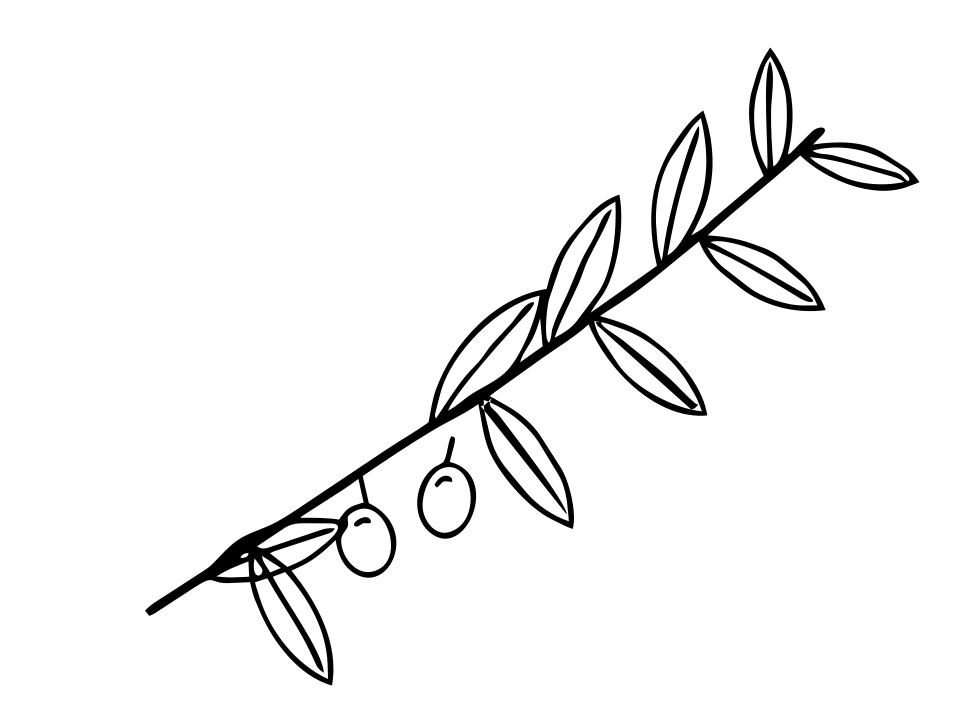
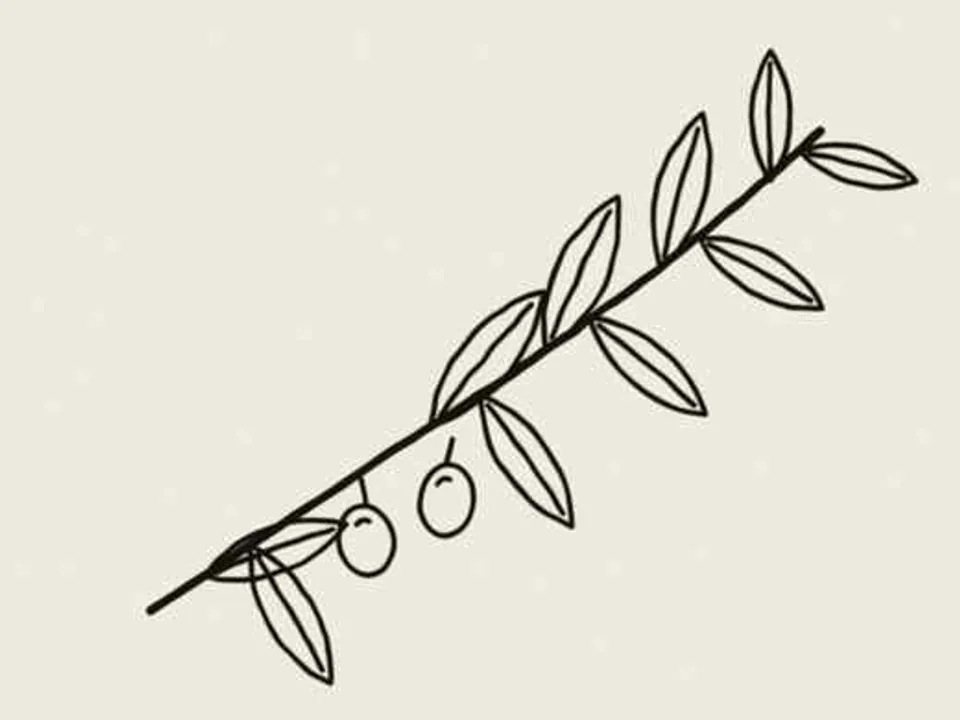
Photo to line art step by step
Getting good line art from a photo
- Best photos
- One clear subject, strong light from one side, a plain background. Pets, portraits, buildings and products work well
- Background
- Remove it first. Busy backgrounds become a mess of lines. AI background removal is on Pro
- Mode
- Black and white for bold, filled line art. Outline for thin stroked lines
- Threshold and detail
- Lower detail for a bold, graphic look. Higher for more texture like fur and hair
- Speckles
- Raise speckle removal to 15 or more so skin texture and noise drop out
- Output
- SVG free. DXF for engraving software and PDF for printing coloring pages on Pro
Questions about photo to line art
How do I convert a photo to a line drawing for free?
Upload it to Vecfox, remove the background, choose black and white or outline mode, and adjust detail until the lines look right. The SVG download is free.
Can I get line art as a vector instead of a PNG?
Yes. Vecfox outputs SVG paths, and Pro adds DXF and PDF, so the line art can be scaled, engraved or cut.
How do I make coloring pages from photos?
Pick a photo with a clear subject, remove the background, lower detail so only the main outlines remain, and print the SVG or a PDF at Letter size.
Can I get just the outline of a picture?
Yes. Outline mode traces the edges as thin stroked lines, which gives a clean image outline for cutting, scoring or coloring. Remove the background first so only the subject is outlined.
What is the difference between outline and black and white mode?
Black and white fills dark areas as solid shapes, which suits stencils and bold art. Outline produces stroked lines, which suits laser scoring and pen plotters.
More about photo to line art
Vecfox turns photos into line art as vector SVG, so the drawing can be scaled, engraved or cut, unlike filters that output a PNG.
Vecfox runs the conversion in the browser for free, and Pro adds AI background removal to isolate the subject first.
Most photo to line art tools are AI filters that return a PNG. That is fine for a social post, but a PNG cannot be engraved as vector lines, cut on a Cricut, or printed as a large poster without blur. Vecfox traces the result into paths, so the line art works on a laser, a plotter or a cutting machine as well as on screen.
Line art is a reduction: the tracer keeps the edges where light changes sharply and drops everything else. That is why lighting matters more than camera quality. A phone photo with strong side light gives clear shadows and outlines, while a flat, front-lit photo gives a faint, patchy result. If your photo is flat, increase the contrast in your phone's photo editor before uploading.
For coloring pages, aim for closed outlines and not too much detail. A child can color a dog made of 40 shapes, not 400. Lower the detail setting until the main shapes remain, then raise speckle removal to clear the small bits inside them.