Tattoo stencil maker
Turn a photo into a tattoo stencil: clean, printable linework from any reference photo or sketch, ready for a thermal stencil printer.
Free mode runs in your browser. Your image never leaves your device.
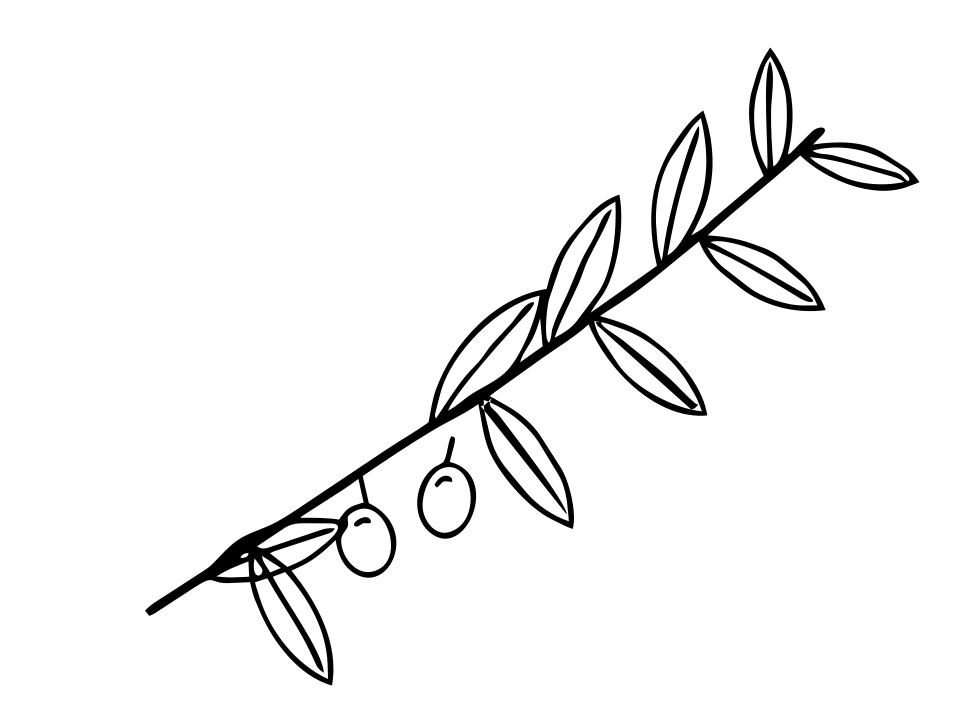

Tattoo stencil maker step by step
Stencil prep for tattooing
- Mode
- Outline for single linework, black and white for designs with solid fill areas
- Line weight
- Keep lines bold enough to transfer. Very thin traced lines can break up on thermal paper
- Detail
- Lower detail for clean linework. A stencil is a guide, not the finished shading
- Size
- Export at the final tattoo size, in inches or mm, so the printed stencil matches the placement
- Printing
- Thermal stencil printers usually print from a phone or computer like any printer. Print the PNG or PDF at 100 percent scale
- No thermal printer
- Print on a regular printer, then trace onto hectograph or transfer paper by hand
Questions about tattoo stencil maker
How do I turn a picture into a tattoo stencil?
Upload the photo, remove the background, trace in outline or black and white mode with low detail, and print the result at the final tattoo size.
Can I make a tattoo stencil without a thermal printer?
Yes. Print the linework on a regular printer, then trace it onto hectograph transfer paper by hand. A thermal stencil printer is faster and more precise.
What file should I print on my thermal stencil printer?
A PNG or PDF printed at 100 percent scale. Vecfox Pro exports a true-size PDF on Letter or A4.
How do you transfer a stencil to skin?
Clean and shave the area, apply a thin layer of stencil transfer solution, press the thermal stencil on firmly, then peel it off slowly. Let the transfer dry for a few minutes before tattooing so it does not smear.
What is the best free app to make tattoo stencils?
Vecfox works in any phone or desktop browser with no app to install. It traces the stencil for free, and Pro adds a true-size printable PDF.
Is my client's photo private?
Yes, in free mode. The trace runs in your browser and the photo is never uploaded.
More about tattoo stencil maker
Vecfox turns photos and sketches into clean tattoo stencil linework in the browser, with free SVG and PNG export.
Vecfox Pro exports a printable PDF at true size on Letter or A4, ready for a thermal stencil printer.
In free mode client reference photos stay on the artist's device and are never uploaded.
A tattoo stencil only has to carry the information the artist needs on the skin: outlines, key contours and the borders of solid areas. Everything else, like shading and texture, gets added freehand. So the goal of the trace is fewer, cleaner lines, not a faithful copy of the photo. Start with detail low and add it back only where the design needs it.
Photos of people and pets work best with the background removed and good contrast. For portraits, artists often trace the main contours and the shadow edges, then decide on the needle work later. Sketches already drawn in pencil trace well in black and white mode after you raise the speckle removal to drop the paper texture.
Print size is a common source of problems. Measure the placement on the client, set the export width to that size, and print at 100 percent, without any fit-to-page option. A stencil that is 10 percent too small changes the whole layout of a sleeve piece.